


How fast is a USB Flash Drive in real life? Read and Write Speeds of USB 2.0 and USB 3.2
A USB flash drive may be labelled USB 2.0 or USB 3.2, but this alone does not tell us how quickly files can actually be copied to or from the drive.
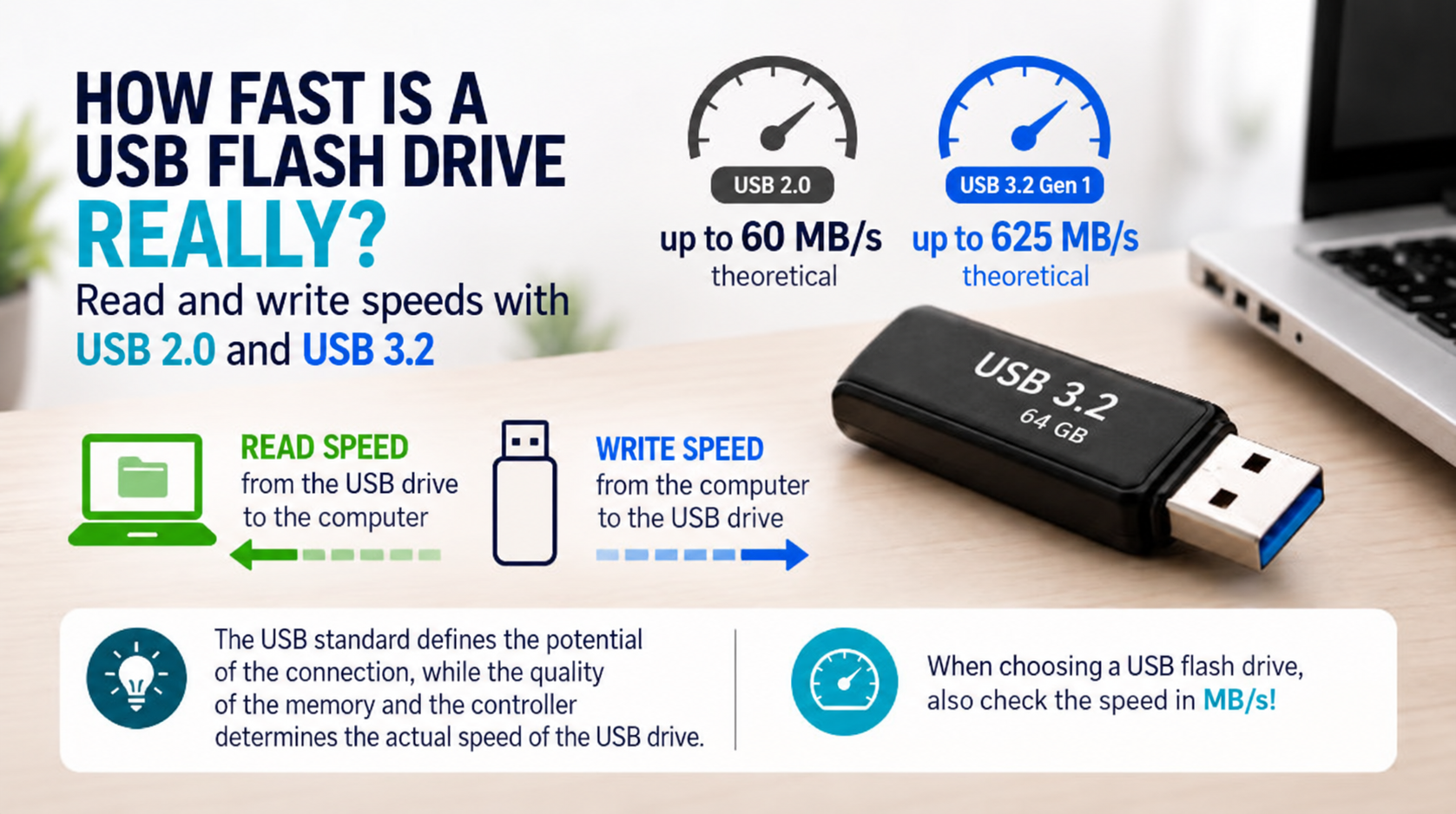
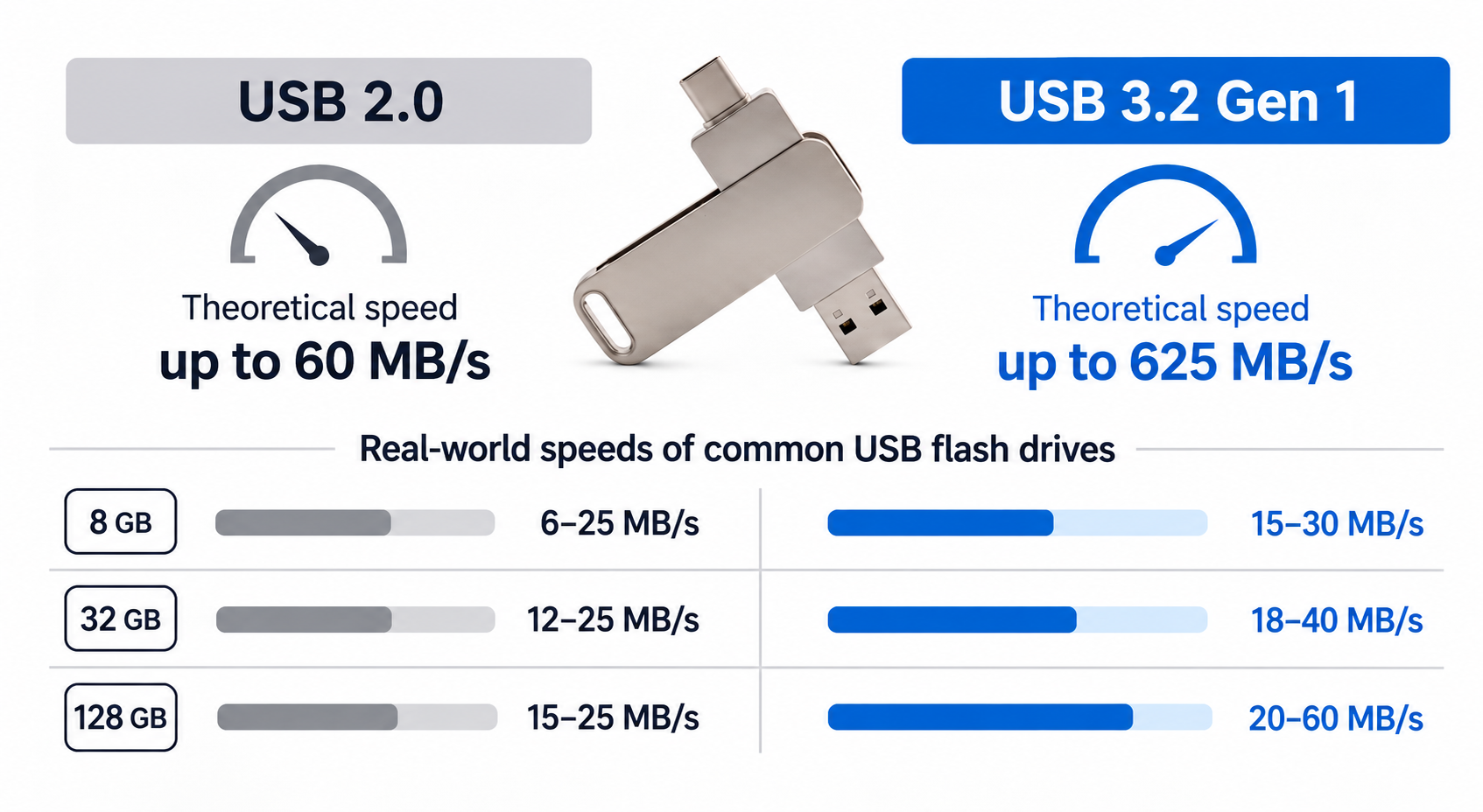
USB 2.0 theoretically supports speeds of up to 60 MB/s, while USB 3.2 Gen 1 supports up to 625 MB/s. In practice, however, the actual speeds of typical USB flash drives are significantly lower.
The reason is simple: the USB standard defines the maximum capability of the connection, while the actual performance of a USB flash drive largely depends on its built-in flash memory and controller.
Read and Write speeds are not the same
There are two important speed measurements for USB flash drives:
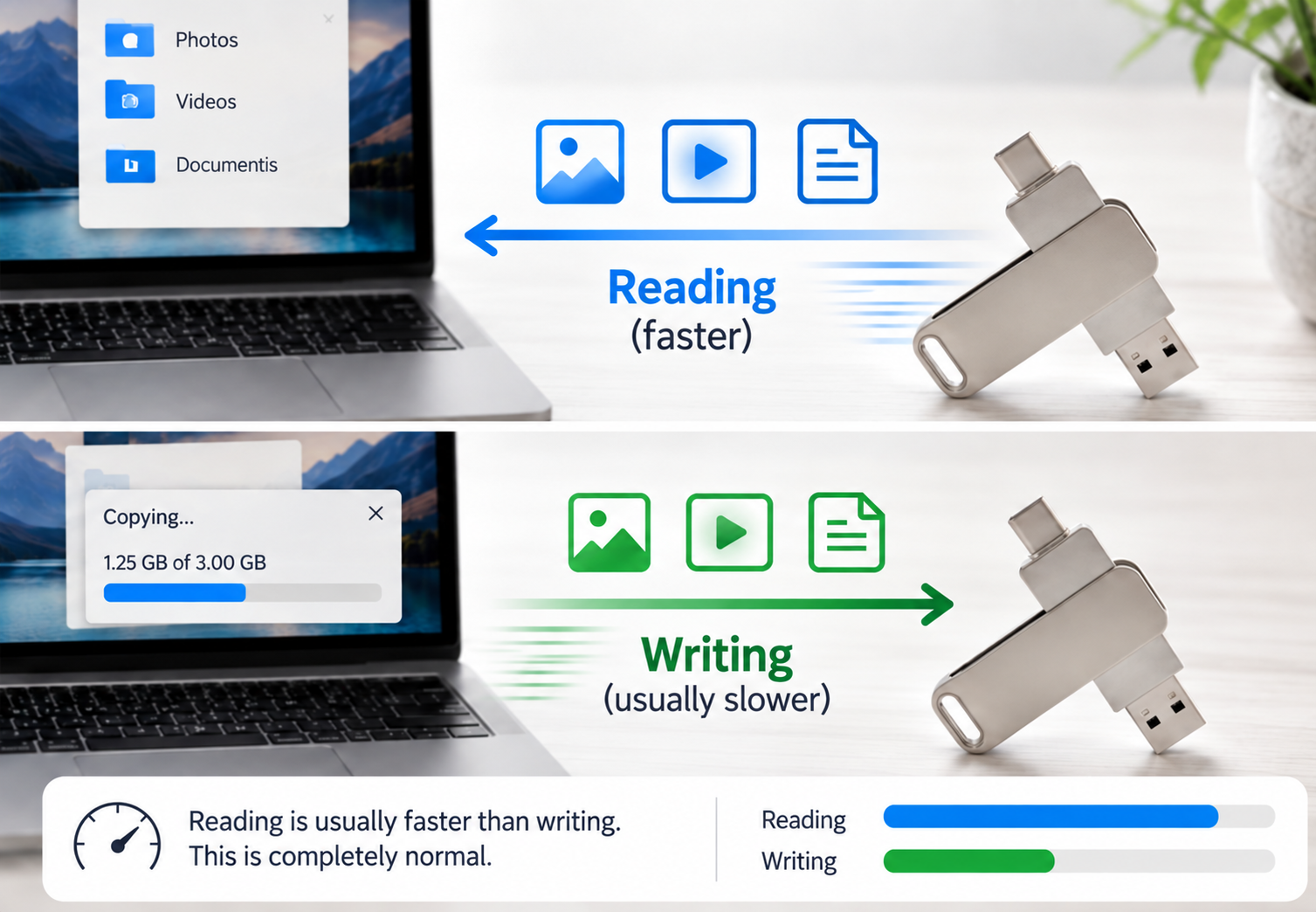
Read speed tells us how quickly data can be transferred from the USB flash drive to a computer.
Write speed tells us how quickly data can be copied from a computer to the USB flash drive.
Write speed is generally lower than read speed. In everyday use, slower write speeds are often the most noticeable – for example, when copying a large number of photos or video files onto a USB flash drive.
Realistic speed by capacity
For typical USB flash drives, you can expect approximately the following realistic speeds:
| Capacity | USB 2.0 – Real-world speed* | USB 3.2 Gen 1 – Real-world speed** |
| 8 GB | 6–25 MB/s | 15–30 MB/s |
| 16 GB | 10–25 MB/s | 18–40 MB/s |
| 32 GB | 12–25 MB/s | 18–40 MB/s |
| 64 GB | 12–25 MB/s | 20–60 MB/s |
| 128 GB | 15–25 MB/s | 20–60 MB/s |
* USB 2.0 values are approximate and may vary between individual models.
** USB 3.2 Gen 1 (USB 3.0) values represent real-world USB flash drive speeds rather than the theoretical maximum bandwidth of the USB interface.
Why is there such a big difference?
USB 3.2 Gen 1 supports a connection speed of up to 5 Gb/s, or 625 MB/s, but this does not mean that a USB flash drive will actually transfer data at 625 MB/s.
Think of the USB standard as a motorway and the flash memory inside the USB drive as a car.
A wide, high-speed motorway allows vehicles to travel very quickly, but the motorway itself cannot make a car travel at its maximum possible speed.
The same principle applies to USB flash drives. USB 3.2 provides a much faster connection, but the final transfer speed also depends on the flash memory, controller, drive capacity, file sizes and the computer being used.
Why can capacity affect speed?
Even USB flash drives from the same product range may not perform at exactly the same speed across all capacities.
Higher-capacity models may use a different configuration of memory chips, which can allow faster data transfers. As a result, for example, a 64 GB USB flash drive may achieve higher speeds than an 8 GB version, even though both are labelled USB 3.2.
What matters more – USB Standard or MB/s?
If you want to know how fast a USB flash drive will actually perform, it is best to check both.
USB 2.0 or USB 3.2 tells you which USB connection standard the device uses.
The figure stated in MB/s tells you how quickly the particular USB flash drive can actually read or write data.
This is why two flash drives carrying the USB 3.2 label are not necessarily equally fast. When comparing products, it is therefore advisable to look not only at the USB standard but also at the specified or measured read and write speeds.
In short
The USB standard determines the potential speed of the connection, while the quality of the flash memory and controller determines the actual performance of the USB flash drive.
So when choosing a USB flash drive, do not look only at whether it is USB 2.0 or USB 3.2. If speed matters to you, also check the performance stated in MB/s.